QSR and casual dining solutions to keep up with every craving



From our menu to yours
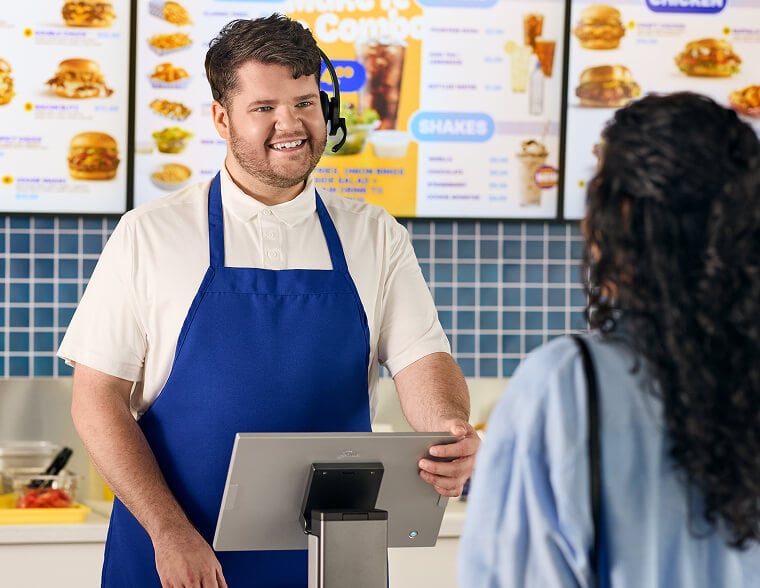
Genius helps you create and meet demand with digital displays, kiosks and enterprise-level POS terminals for your quick service restaurant. Manage it effortlessly with an all-in-one command center, kitchen display system and back office support. Whatever you need, we’re here to make it happen.
Boost profitability with smarter tech
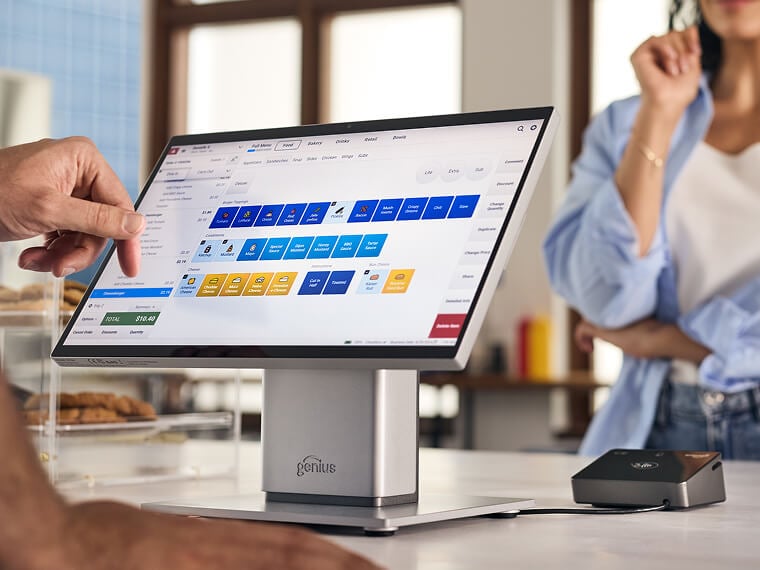
Countertop POS
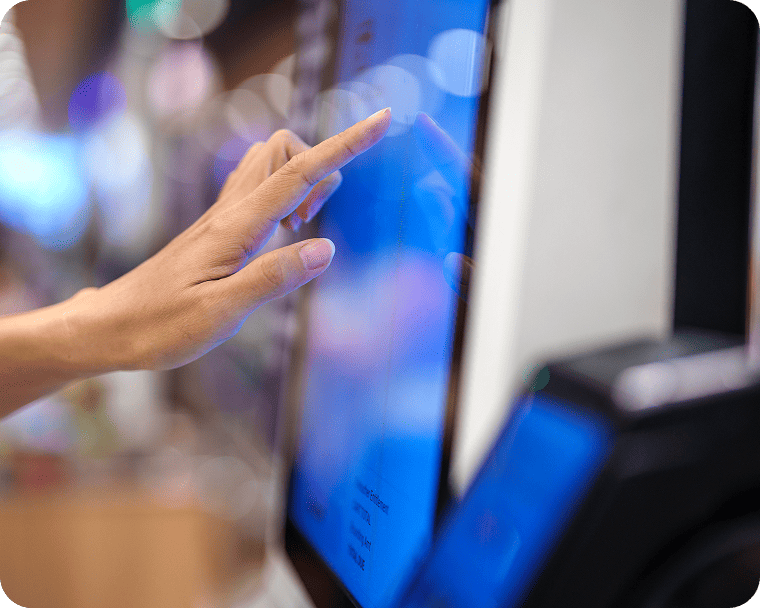
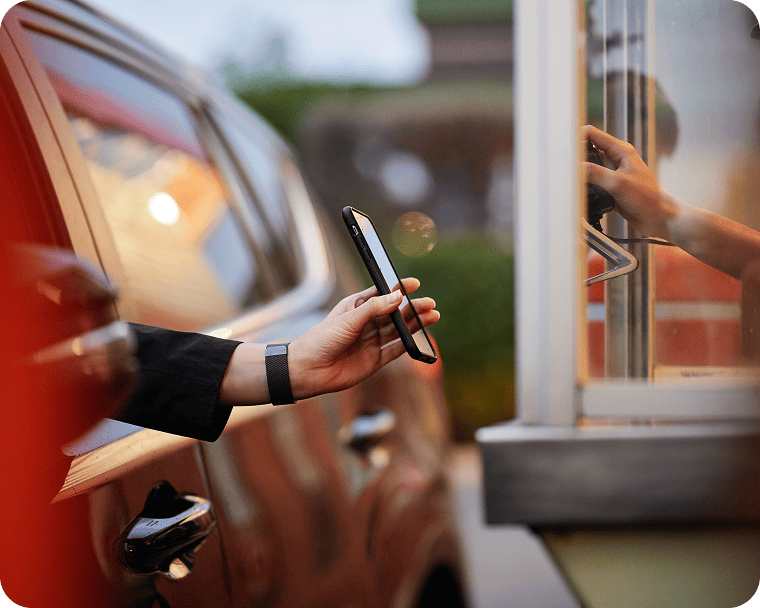
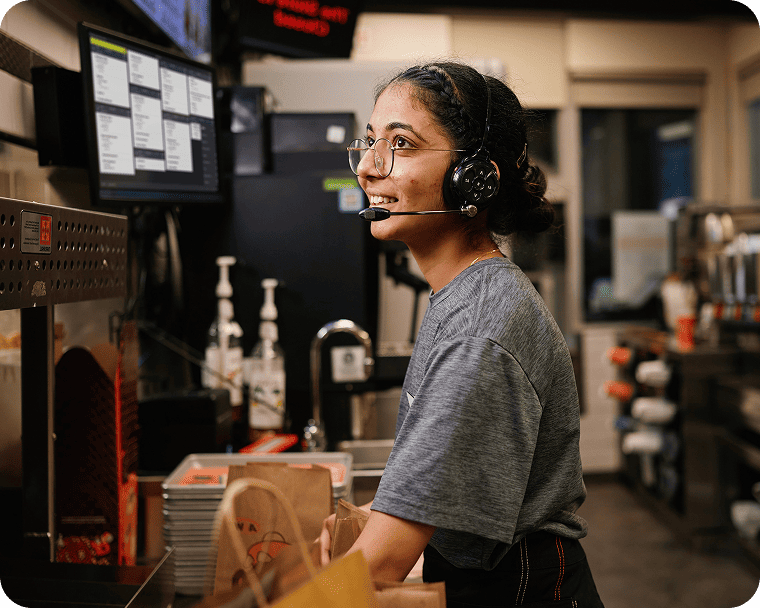
Countertop POS
Explore the QSR resource hub
resources designed to help QSRs thrive.
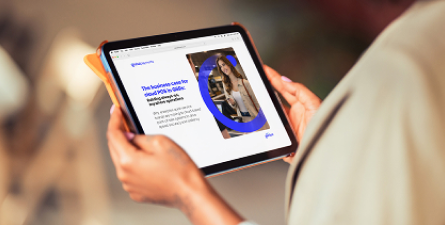
Why QSRs are moving to cloud-based systems
Is your POS holding you back? See why cloud-based QSR solutions have become key to driving speed, accuracy and resiliency.
Learn more
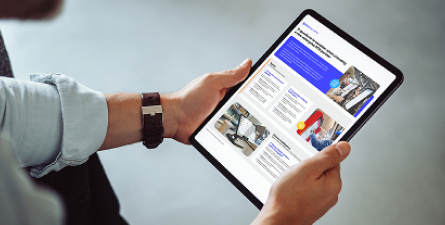
11 questions to ask before choosing a POS provider
Don’t get stuck with the wrong provider. Use this checklist to make sure potential POS partners are checking your boxes.
Learn more
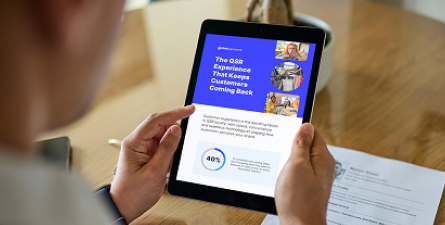
What really keeps customers coming back
We surveyed 1,000 consumers to find out what they want from a QSR experience and what’s driving them away.
Learn more
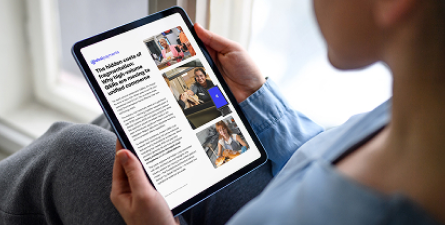
Why high-volume QSRs are moving to unified commerce
Discover the hidden costs behind patchwork solutions and why industry leaders are moving to unified models.
Learn more
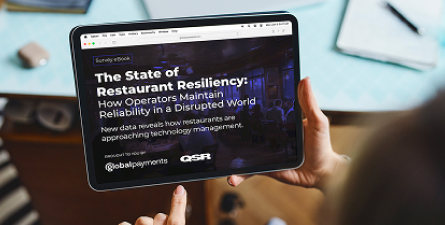
What data reveals about the reality of restaurant tech
How resilient is today’s restaurant technology during system disruptions? This survey shows how real operators answered.
Learn more
Quick service and fast casual restaurant FAQs
A POS for a quick service or fast casual restaurant should be built for the unique needs of demanding environments with large footprints and complex kitchen workflows. Integration is key to the systems used by QSRs, including third-party delivery and order apps. A range of self-ordering options — including kiosk, app and digital ordering along with drive-thru and countertop— requires a centralized view and centralized control.
A centralized view means every order from every channel moves into a single queue, where orders are prioritized and tracked from prep to completion. This keeps customers up to date on order progress. Centralized control requires that menu updates and inventory tracking are completed in a central command center and sync across all KDS and ordering channels.
This comprehensive reporting suite is powered by the data entered by on-site staff who can count inventory, adjust waste and receive deliveries through their tablet or mobile phone, increasing collection speed and the accuracy of inventory data.
You’ll also be able to build efficiency at every stage. From the moment a car enters your drive thru, you can use loop technology to alert staff, while real-time, animated visualization helps the crew keep an eye on every vehicle. Live key performance indicators include guest counts, speed of service and more.