Accept payments anywhere with Tap to Pay on Android®
Contactless Payments
Need to take payments on the go? Whether you’re queue busting in your shop or running a mobile business, our Genius mobile pay app is there to help you accept contactless payments on your Android device.
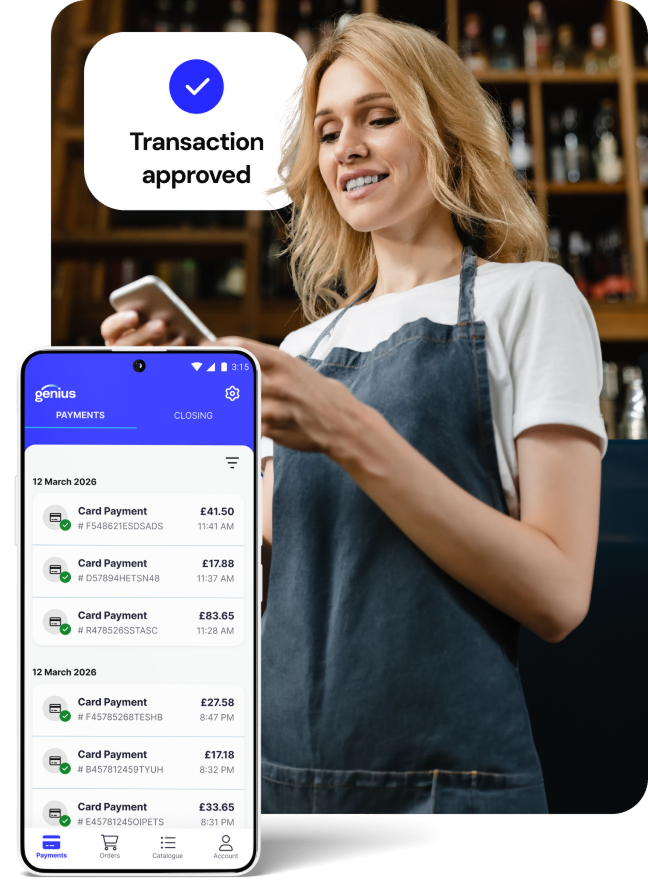
A retail worker in a wine store holds a smart phone and an enlarged phone screen shows payment information.
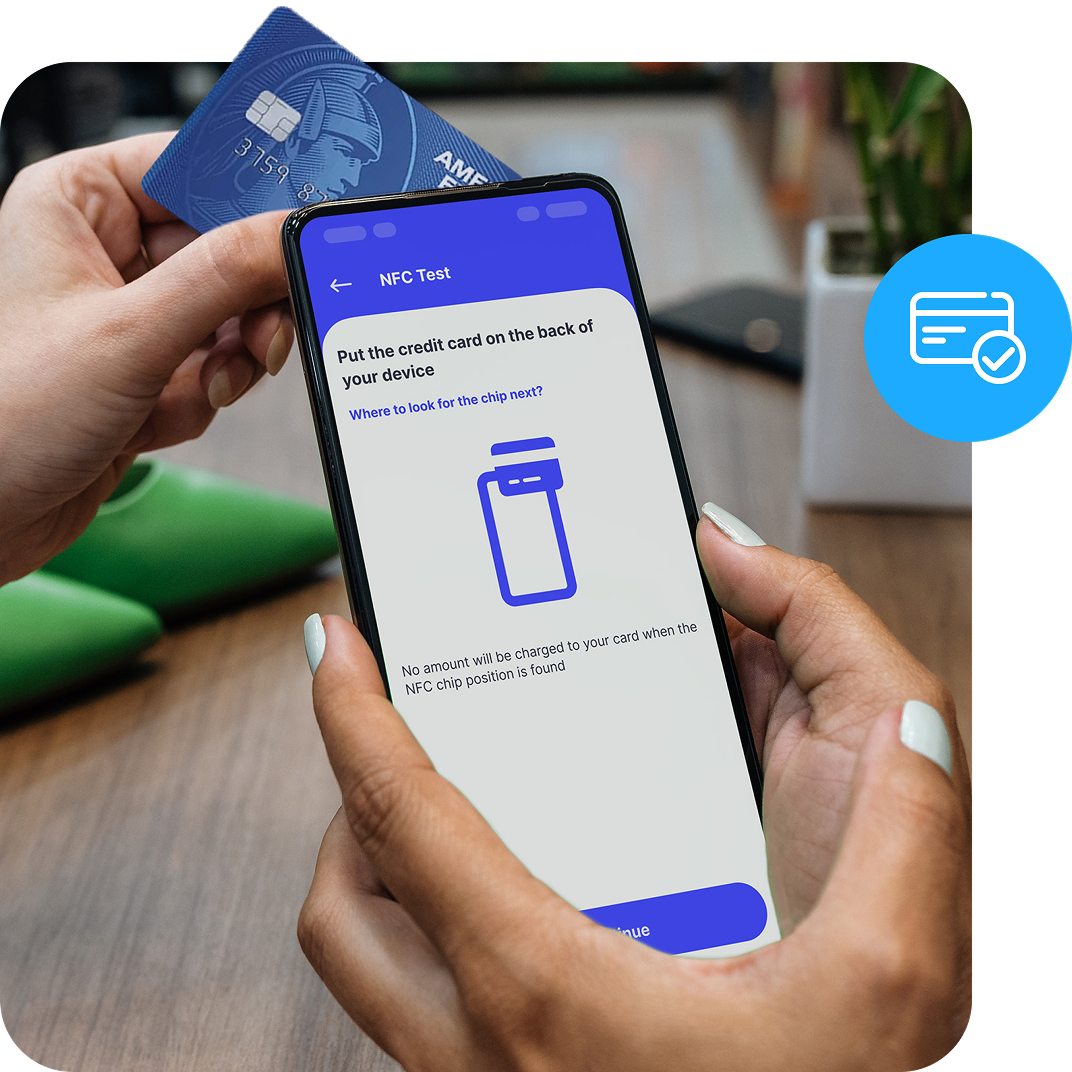
A close up of a chip card tapping a smart phone screen that shows the setup for tap to pay.

Take card payments without a terminal

Ditch the bulky hardware and accept debit and credit cards, plus digital wallets like Apple Pay® and Google Pay® with your smartphone. You can even configure the Genius mobile pay app to offer pre-selected tip options by percentage or amount.

Count on advanced security

Safeguard every transaction with encryption and ensure no sensitive payment data is stored on your device or Android servers.

Do more with less hardware

Lighten your load by using your phone as a standalone payment device, a back up for busy periods or when you’re out on the road.

Make setup quick and easy

Download the Genius mobile pay app, follow a few on-screen steps and start accepting payments with Tap to Pay on Android.

Streamline your workflows

Align the payments you receive on your device with the payments to your bank account and end the day without breaking a sweat.

Why choose Global Payments?

Payments should be easy for you and your customers. Let us do the heavy lifting so you can get more time back in your day to think about your next move — and grow your business your way.

Next-day funding*
Keep the cash flowing and get paid faster with next working day settlement capabilities.

Affordable tech
Run a smarter business with premium payment solutions available for any budget.

Industry expertise
Count on our UK-based customer service team to be there when you need it most.

Hassle-free setup
Get our full support, from choosing the right solution to getting set up and trained with ease.

Payments anywhere, anytime? That’s Genius.

No matter where your business takes you, our Genius mobile pay app has your back. Rely on seamless functionality to help you meet customers wherever they are and accept contactless payments with Tap to Pay on Android.

Tap to Pay on Android FAQs

Genius mobile pay is a mobile application (app) that lets you use your smartphone to accept contactless, tap to pay payments from your customers. Once you are onboarded as a merchant, you can access Tap to Pay on Android through the Genius mobile pay app.


It’s ideal for businesses of any size, whether a traditional storefront or mobile only, who want a quick and easy way to accept payments wherever customers are using their smartphone.

For Android devices running Android 9.0 or higher, you need a Near Field Communication (NFC) chip present and internet connectivity.

Each phone manufacturer places the NFC reader in a different place on the device. Most often, it’s located on the back of the phone near the camera lens. However, we recommend that you refer to the manual for your mobile device.

Once you’re onboarded as a merchant, we make it easy for you to set up and start using  Tap to Pay on Android with Genius mobile pay. If you have any questions after setup, you’ll always have access to our live, trained and certified support, which is only a phone call away.


*Merchants on certain processing programs are not eligible for same-day or next-day funding.